
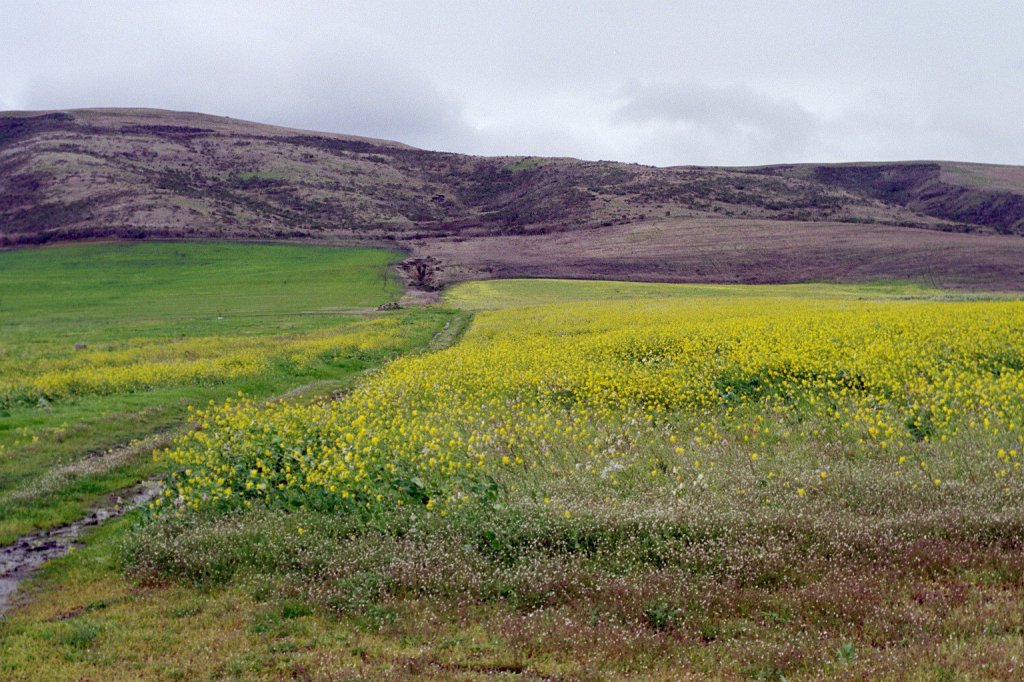
A hike? Ooh! / Haiku; see, think, walk / in beauty.
// haikumages // ©russ murray
Like // Share // Subscribe
“Haikumages” are short poems (mostly haiku and senryu-style) combined with images (mostly original photographs and graphics) by Russ Murray.
2 responses to “A hike? Ooh! / Haiku; see, think, walk / in beauty.”
-
How do you get those little arrows on your wordpress page so that a person can scroll to your other pages???? That is a great feature. I will now be able to look at your other wonderful haiku easily, instead of trying to dig through the wordpress maze. I want to get back to my snail blog, but I am going on a trip. Will blog later in June.
-
Every theme is different – not only in how they look, but the navigation – this one was perfect for me, ’cause it shows the date/image nicely for this 366 haiku-per-day project. And the arrows are nice navigation…you should try a couple of other themes when you return to your snail blog! Looking forward to your next posts… 🙂
-


 haikumages
Leave a reply to carolee1945 Cancel reply